KopiKaki
A voice assistant for seniors. You call it, say what you feel like doing, and it tries to set up a meetup with a real person nearby. We built it at the Build with Gemini hackathon.
Aug 2026 · Build with Gemini hackathon, Best Elderly Hack track
UncleHello KopiKaki.
KopiKakiHello Uncle David! What are you up to today?
UncleNothing lah. At home very boring.
KopiKakiWant to get out of the house?
UncleMaybe kopi.
KopiKakiCan. There are two people around Bishan who are also free this afternoon. Raymond likes chess like you. Shall I ask them?
UncleOkay lor.
KopiKakiDone. I'll let you know when they reply.
The brief
The Best Elderly Hack track pointed out that nearly one in three people will be seniors by 2030, and that most tech isn't built with them in mind. It asked for something that helps them stay connected. The organisers also asked for no more dashboards or health trackers.
How we framed it
The obvious idea is an AI companion for lonely seniors. We didn't want the AI to be the friend. We wanted it to handle the awkward part of meeting someone: finding a person nearby who's free and wants to do the same thing, and setting it up. A good call with KopiKaki should be short and end with a plan for tomorrow, like the one at the top of this page.
Product decisions
Voice to decide, the app to confirm
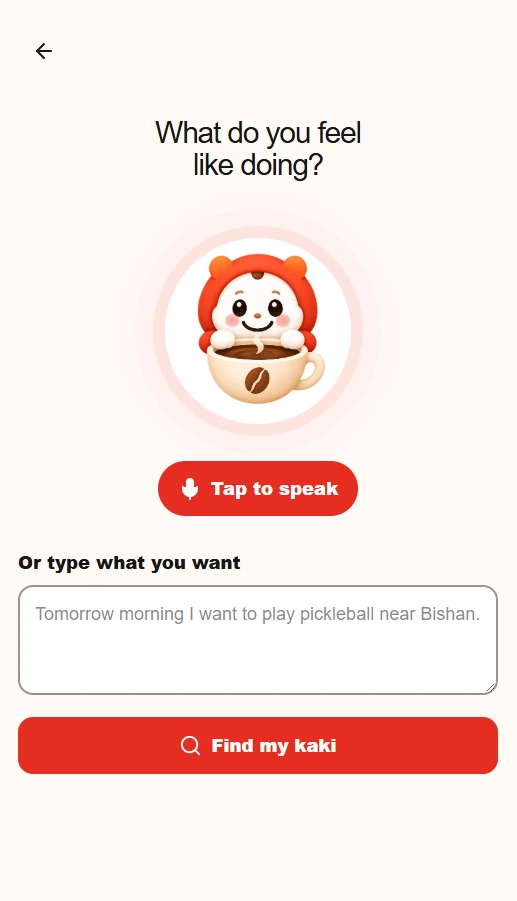
Uncle talks because it's easier than tapping through menus. The app doesn't repeat the call. It shows your next meetup, a big call button and the people you've met through it, and we kept it to three screens.
No preference forms
Instead of a form, the assistant keeps short notes from what people say, like "my knees not so good, cannot walk far", "I don't like big groups" or "Mandarin easier for me", and uses them in later calls.
Always offering something
The obvious question from judges is what happens when no one nearby is using the app. The matcher first looks for meetups that are already planned, so a second caller joins the first person's plan. After that it tries people, then groups, then activities. A check in the build fails if that order ever changes.
One flow, done properly
Call, match, confirm, home screen. We cut or postponed phone sign-in, SOS contacts, onboarding, notifications, profiles and group chat, and wrote the cuts down so nobody drifted into them.
Testing the risky part first
Gemini Live audio in a phone browser, especially Safari on iPhone, was the part most likely to fail, so it was tested on its own before any interface was built on top of it.
How it works
The call
- Phone browser
- Server mints a one-time token
- Audio to and from Gemini Live
The match
- What the caller asked for
- /api/match
- Gemini function calling
- Firestore
- Home screen updates
The Gemini API key never reaches the phone. The server creates a single-use token, and the browser uses it to stream audio to Gemini Live. Matching runs on the server using Gemini's function calling over Firestore, and falls back to a simple local parser if Gemini is unavailable. The home screen listens to Firestore directly, so a confirmed meetup shows up without a refresh. It's built with Next.js, TypeScript and Firebase.
My part was the matching: the order it searches in (existing meetups, then people, groups and activities), the Gemini function calling across those four, the Firestore data model and security rules, and seeding the database with candidates so a match could actually be found during the demo.
Safety
- The assistant only saves notes about things the caller actually said, never conclusions it drew itself.
- Each person can have at most 12 notes, so personal details can't keep piling up.
- If the notes fail to load or are missing, the call falls back to a normal greeting and everything else still works.
What's unfinished
- Real phone sign-in isn't wired up. The demo signs in anonymously as a test user.
- What the assistant remembers can answer direct questions, like who's free for badminton at 3, but it doesn't change how matches are ranked yet.
What I learned
How we described the product changed what we built. An AI companion would want long calls. Ours wanted short ones that end with a plan.
The fallback order was our whole answer to "what if no one's around?", so it made sense to protect it with its own check in the build.
In a one-day build, having the cuts written down kept us from drifting into features nobody would see in the demo.